Your pricing sheet, in the middle of the call
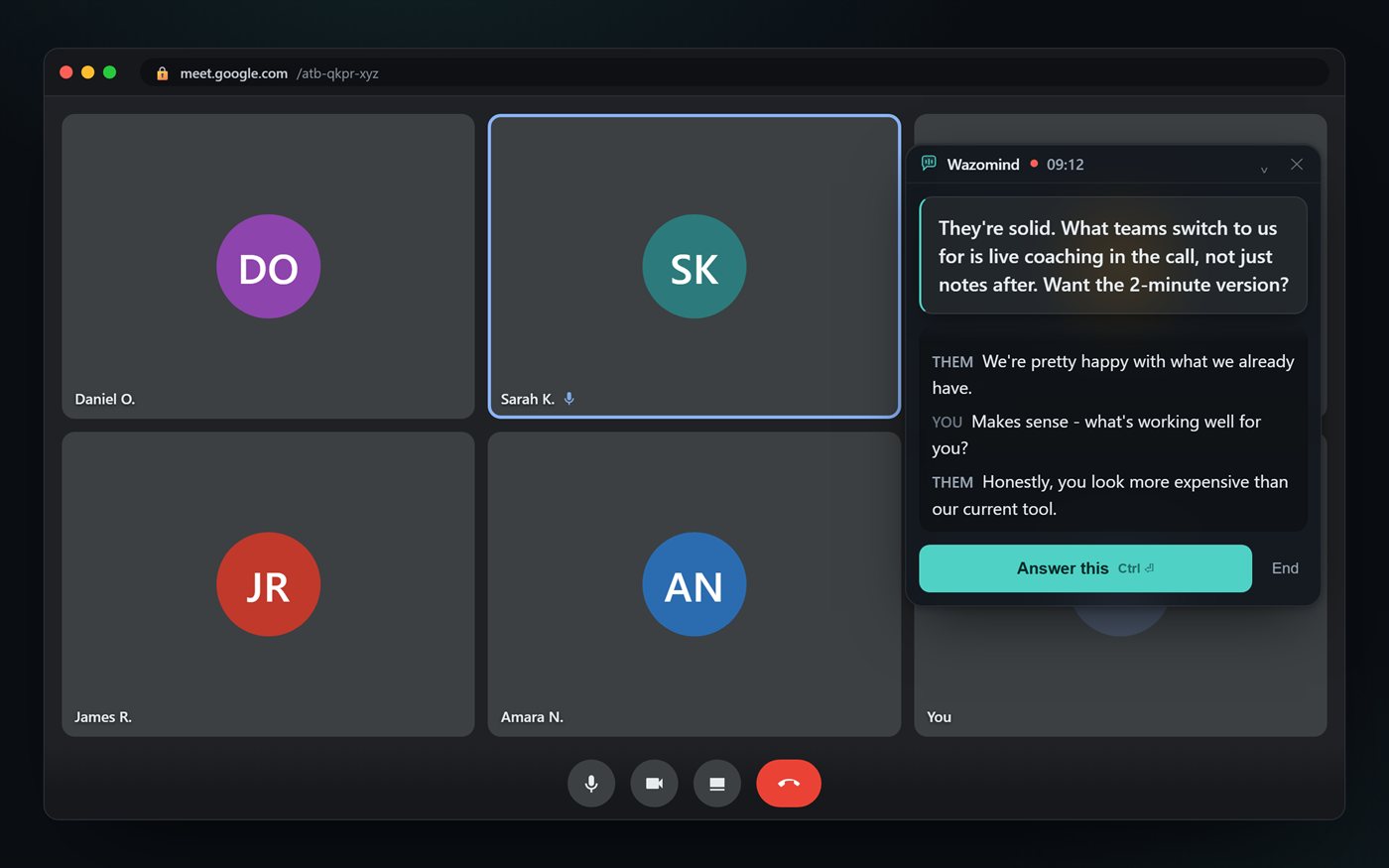
Most AI meeting tools summarise. Wazomind knows your business.
Drop in your pricing sheet, competitor battlecards, product specs, past proposals - whatever your team actually works from. Wazomind reads them once, then has them ready mid-call.
A prospect asks what your enterprise tier includes. You press one key. The answer appears in about two seconds, pulled from your own pricing document, with the source named so you know it's real.
It also remembers your past meetings. Ask what a client agreed to last quarter and the answer comes from the actual transcript - not a guess. When something isn't in your documents, it says so. No invented numbers.
Grounded
Every grounded answer names the file it came from, so you can trust it at a glance.
Current
Uploaded a new price list? It draws from your latest documents - not a stale guess.
Private
Your documents are read and stored on your own device. Only the snippet needed to answer is sent to the AI, and nothing trains anything.
How it works on a live call
1. Add your documents
Pricing, battlecards, product specs, playbooks, past proposals. PDF, Word, text or Markdown. Wazomind reads them on your device.
2. Ask on the call
A question comes up. Press one key and Wazomind pulls the relevant passage from your own material and answers in about two seconds.
3. See the source
The answer names the document it came from. If it isn't in your files, Wazomind says so instead of guessing.
FAQ
What kind of documents can I add?
PDFs, Word documents, plain text and Markdown. Pricing sheets, battlecards, product specs, playbooks, past proposals - anything your team already refers to.
Does it read my documents, or just search for keywords?
Wazomind reads your documents and, when you ask on a call, pulls the passages that match what was said - then answers from them and names the document the answer came from. It works best when the words on the call are close to the words in your files.
What if the answer isn't in my documents?
It tells you. Wazomind says "not in your documents" rather than inventing a number. On a live call, a confident wrong answer is worse than no answer.
Do my documents leave my computer?
Your documents are read and stored on your own device. Only the small snippet needed to answer a question is sent to the AI to write the reply, nothing is used to train anything, and in offline mode nothing leaves your machine at all. You can delete your documents at any time.
Can it answer from past meetings too?
Yes. Ask what a client agreed to last quarter and the answer comes from the actual transcript of that meeting - not a guess.
Put your documents in the conversation
Answers from your own material, on a live call, with the source named. Free to start, no card.
Get Wazomind free