The Fathom alternative that helps during the call
Where Fathom is genuinely strong
- A genuinely generous free tier
- Clean, shareable highlights and clips
- Very easy setup - popular with individuals
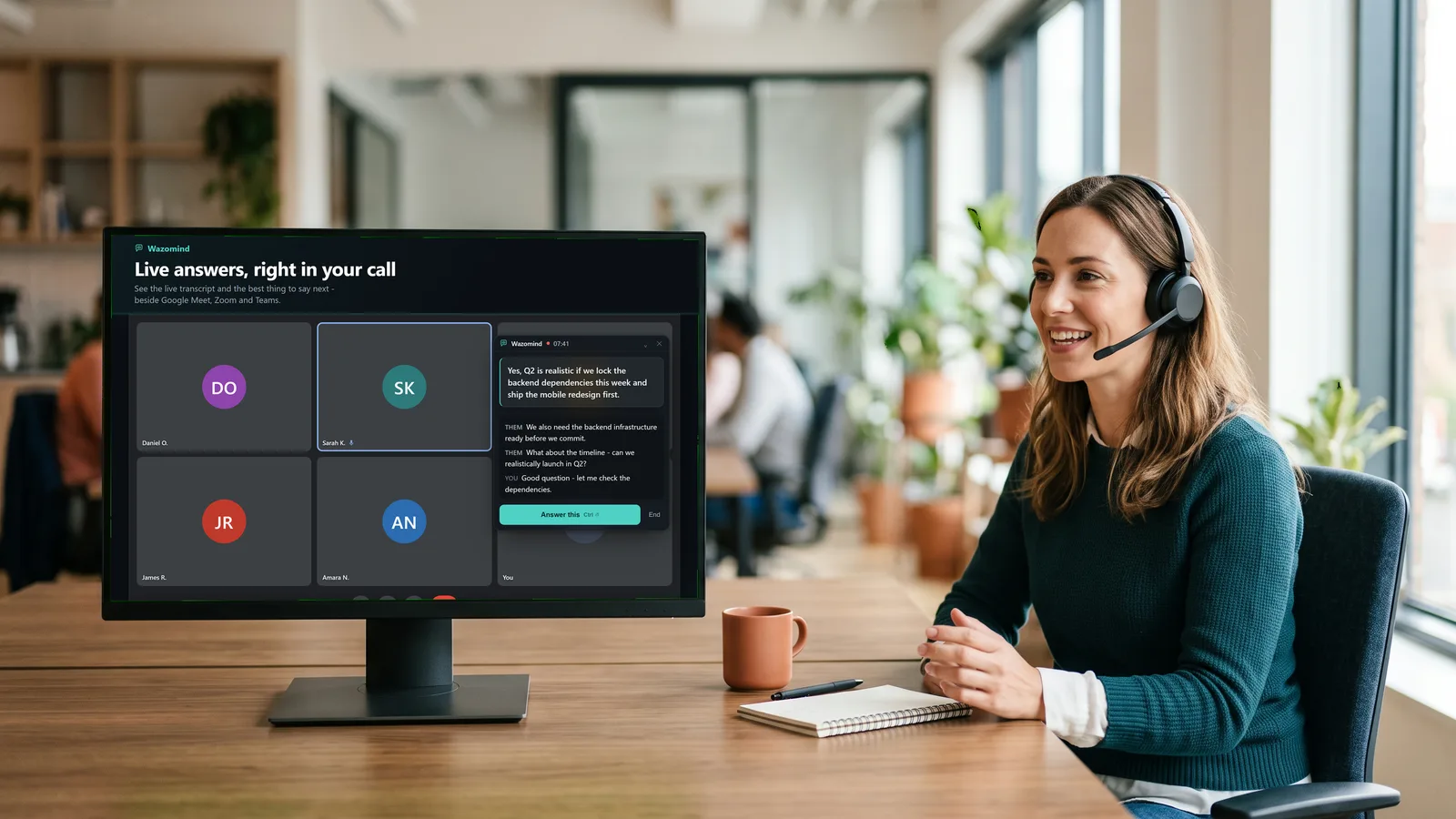
Them: What happens to our recordings after the call?
Answer · say this
Nothing is recorded to our servers — the transcript stays on your device and the summary is generated from it.
grounded in Security.pdf · your knowledge base
Fathom vs Wazomind, side by side
| Fathom | Wazomind | |
|---|---|---|
| Joins the call as a bot | Yes | No - listens locally |
| Helps live, during the call | No | Yes |
| Highlights & clips | Yes (polished) | Summary + action items |
| Notes stored | Cloud | On your device |
| Offline mode | No | Yes |
| Answers from your own docs | No | Yes |
| Free plan | Free forever - unlimited recording + transcription | Unlimited transcription, first call free |
| Paid from | $16/user/mo billed annually ($20 monthly) | $3.99 one-off - about 125 min, never expires |
Prices and plan limits read from each vendor's own pricing page on 28 October 2026. They change - check before you buy.
Why people look for a Fathom alternative
Fathom is a good recorder. The usual reasons people switch are about when and how it helps, not quality:
- The bot in the room. Fathom joins as a visible participant. Some clients ask about it, and some company Zoom and Teams setups block meeting bots outright.
- Help arrives after the call. A recap is useful, but it can't help you answer a pricing or security question while the buyer is still waiting.
- Recordings live in the cloud. Teams with strict data rules often prefer notes that stay on the laptop.
- Answers from your own material. Fathom summarises what was said; it doesn't pull the right line from your pricing sheet, security doc or case studies mid-call.
Fathom alternatives compared
If Fathom isn't the right fit, these are the tools people most often compare it with. Each links to an honest side-by-side:
- Wazomind - live, on-screen answers during the call, no bot, notes on your device. Best when you need help in the moment.
- Otter.ai - strong cloud transcription and searchable history.
- Fireflies - deep CRM integrations and conversation analytics.
- tl;dv - recordings, timestamps and clips for async teams.
- Granola - bot-free notes that enhance what you type (Mac-first).
- Read.ai - meeting analytics and engagement scores.
See the full ranking in best AI meeting assistants.
Which should you choose?
Choose Fathom if you mainly want free, tidy post-call recaps and easy highlight clips to share.
Choose Wazomind if you need help in the moment, grounded in your own documents, without a bot and kept private. It helps live, adds no bot, is grounded in your own documents, and keeps your notes on your device.
FAQ
Is Wazomind a good Fathom alternative?
Yes if you want live help during calls and local-first privacy. Fathom is excellent for free, clean after-the-call recaps and clips; Wazomind assists while you are still talking.
Does Wazomind have a free tier like Fathom?
Yes to start: live transcription is free and unlimited, and your first call with live answers and full notes is free too, no card. After that the AI runs on credits you buy once - $3.99 for 5,000. Fathom's free tier is also strong for recaps.
Does Wazomind add a bot like Fathom?
No. Fathom joins as a bot; Wazomind listens locally with no participant added and works where bots are blocked.
What are the best Fathom alternatives?
Wazomind if you want live help during the call with no bot; Otter.ai for cloud transcription; Fireflies for CRM analytics; tl;dv for recordings and clips; Granola for bot-free typed notes on Mac; Read.ai for meeting analytics.
Which should I pick?
Fathom for free tidy recaps and clips; Wazomind for real-time, doc-grounded help with local-first privacy.
Is Fathom free?
Yes, and genuinely so: Fathom's free plan covers unlimited recordings and transcriptions, which is more generous than most. Paid Premium starts at $16 a user a month billed annually, or $20 month to month.
How much does Fathom cost?
Premium is $20 a month, or $16 billed annually. Team is $19 a user a month, or $15 annually with a two-user minimum. Business is $34 a user a month, or $25 annually. Enterprise is quoted on request.
What does Wazomind do that Fathom does not?
Help while the call is still running. Fathom records the meeting and writes it up well; Wazomind answers the question that was just asked, from your own documents, on a panel only you can see - and still writes the summary afterwards.
Does Wazomind add a notetaker to the call like Fathom?
No. Wazomind captures audio on your own machine, so nothing appears in the participant list and nothing has to be admitted to the meeting. It works on calls where notetakers are blocked.
Is Wazomind cheaper than Fathom?
Different shape rather than cheaper, and Fathom's free tier is strong. Wazomind is prepaid credits from $3.99 for about 125 minutes that never expire, with free unlimited transcription and a free first call either way.
Try the live, no-bot co-pilot
See how Wazomind compares on your own calls. Free to start, no card.
Download Wazomind free