Read.ai alternative: Wazomind
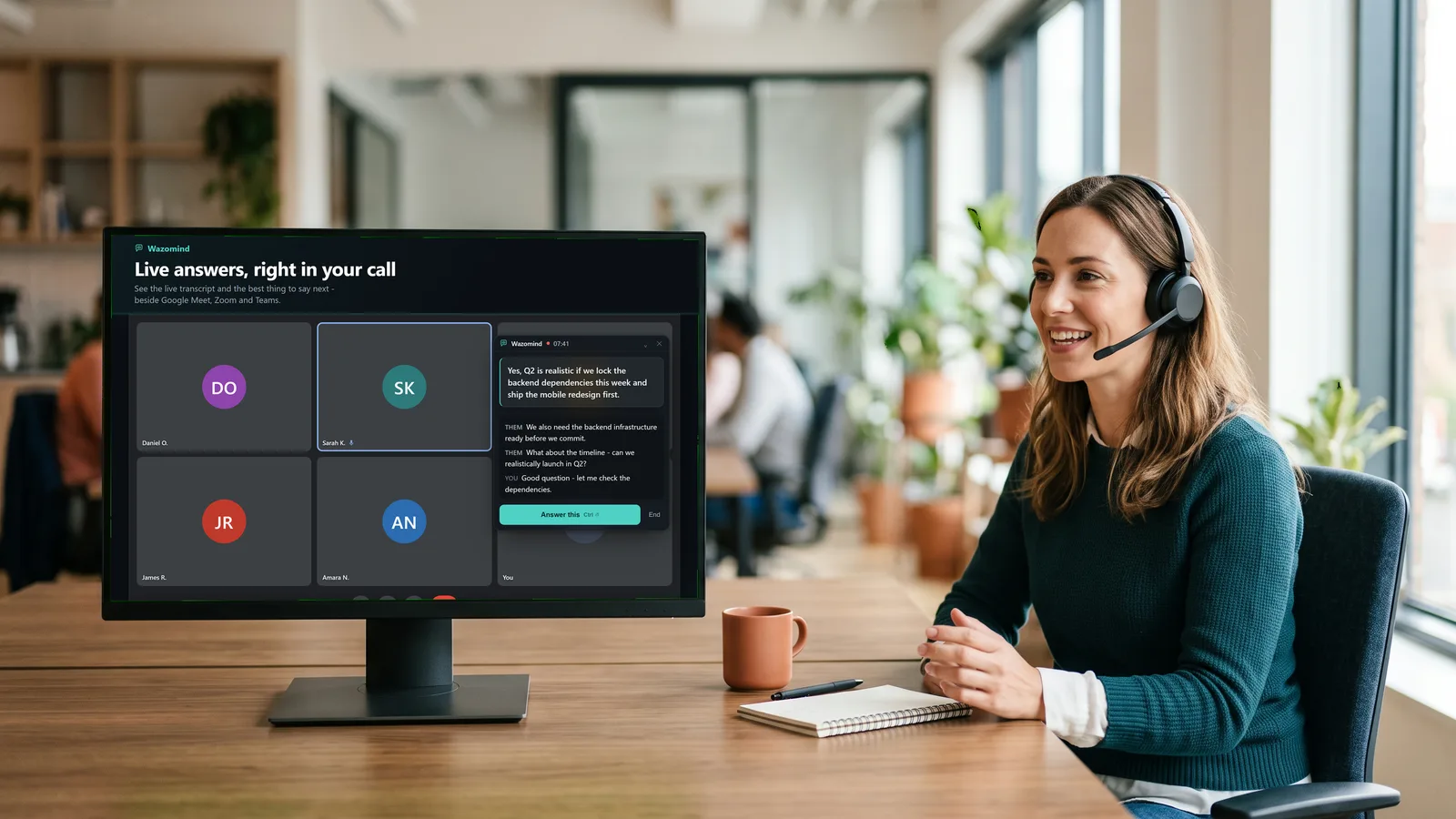
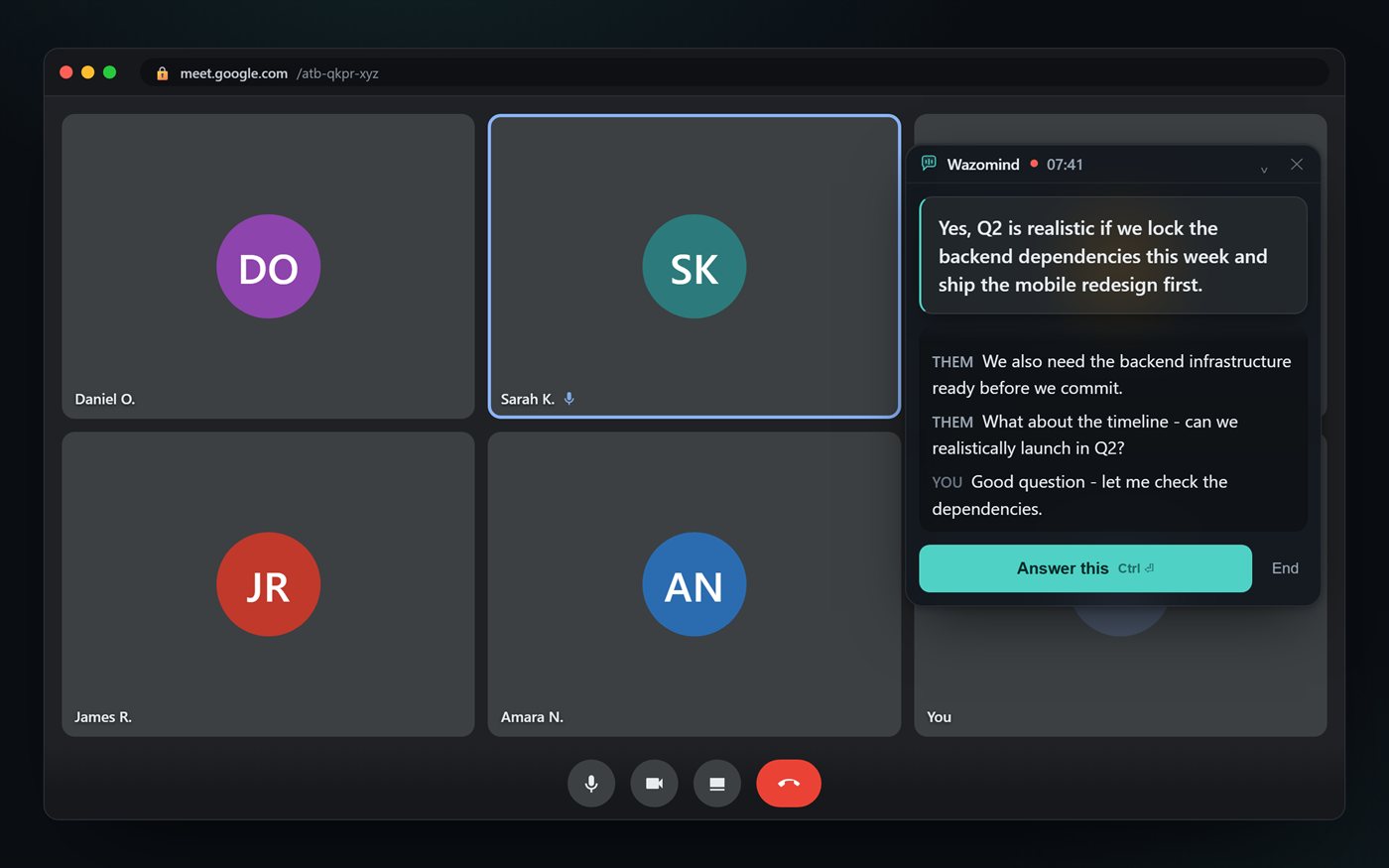
Where Read.ai is genuinely strong
- Meeting analytics - engagement, sentiment and speaker metrics
- Automated topic reports and summaries rolled up across a team
- A broad set of integrations and dashboards
Them: Can you tell me our win rate by objection type?
Answer · say this
That's not in your documents — Wazomind answers from what you've loaded, and says so when it can't.
grounded in not found · your knowledge base
Read.ai vs Wazomind, side by side
| Read.ai | Wazomind | |
|---|---|---|
| Joins the call as a bot | Yes | No - listens locally |
| Helps live, during the call | No (analytics + after) | Yes - live answers |
| Suggests what to say / answers questions | No | Yes |
| Engagement / sentiment analytics | Yes | Basic |
| Transcript + summary + action items | Yes | Yes |
| No bot in the participant list | No | Yes |
| One-click browser install | - | Yes - Chrome & Edge |
| Free plan | 5 transcripts/month, 1-hour meetings | Unlimited transcription, first call free |
| Paid from | $15/user/mo billed annually ($19.75 monthly) | $3.99 one-off - about 125 min, never expires |
Prices and plan limits read from each vendor's own pricing page on 28 October 2026. They change - check before you buy.
Which should you choose?
Choose Read.ai if team-wide meeting analytics - engagement, sentiment and topic reports - are what you need most.
Choose Wazomind if you want help while the call is happening - the answer to say next, live - with no bot in the room and your conversations kept private. It also writes the full summary, action items and a follow-up email after.
FAQ
Is Wazomind a good Read.ai alternative?
Yes, if you want live in-call answers rather than mainly after-meeting analytics. Read.ai is strong on engagement metrics and reports; Wazomind helps during the call, adds no bot, and keeps your data private.
Does Wazomind add a bot to the meeting?
No. Read.ai typically joins as a meeting bot. Wazomind runs in your browser or a desktop app and captures audio locally, so nothing appears in the participant list.
Does Wazomind give meeting analytics like Read.ai?
Wazomind focuses on live answers and a clean summary with action items rather than engagement or sentiment analytics. If team-wide meeting analytics are your priority, Read.ai is stronger there.
Which is more private?
Wazomind. The desktop app keeps notes on your device, and the extension does not store your call audio or transcripts on our servers. Read.ai stores meeting data in its cloud.
Is Read AI free?
There is a free plan, limited to five meeting transcripts a month and meetings of up to an hour, with no audio or video uploads. Pro is $15 a user a month billed annually, or $19.75 month to month.
How much does Read AI cost?
Pro is $19.75 a user a month, or $15 billed annually. Enterprise is $29.75 monthly or $22.50 annually and needs at least five licences. Enterprise+ is $39.75 monthly or $29.75 annually.
Does Read AI join the meeting?
Its Meeting Assistant is added to the Zoom, Teams or Meet call, so the other participants can see it. Read's desktop apps record from your computer instead. Wazomind only ever works the second way.
What does Wazomind do that Read AI does not?
Help you in the moment. Read AI is strongest on analytics about the meeting - talk time, sentiment, engagement scores. Wazomind is about the next sentence you say, answered from your own documents while the call is still live.
Which is better if I only have a few meetings a month?
Read AI's free plan stops at five transcripts a month. Wazomind's transcription is free and unlimited, and credits are only spent when you want the AI, so a quiet month costs nothing at all.
Try the live, no-bot co-pilot
See how Wazomind compares on your own calls. Free to start, no card.
Get Wazomind free