Get Wazomind free
Two ways to run it: one click in Chrome, or the Windows app if you use the Zoom and Teams desktop clients. Both are free to start - no card.
Add the browser extension
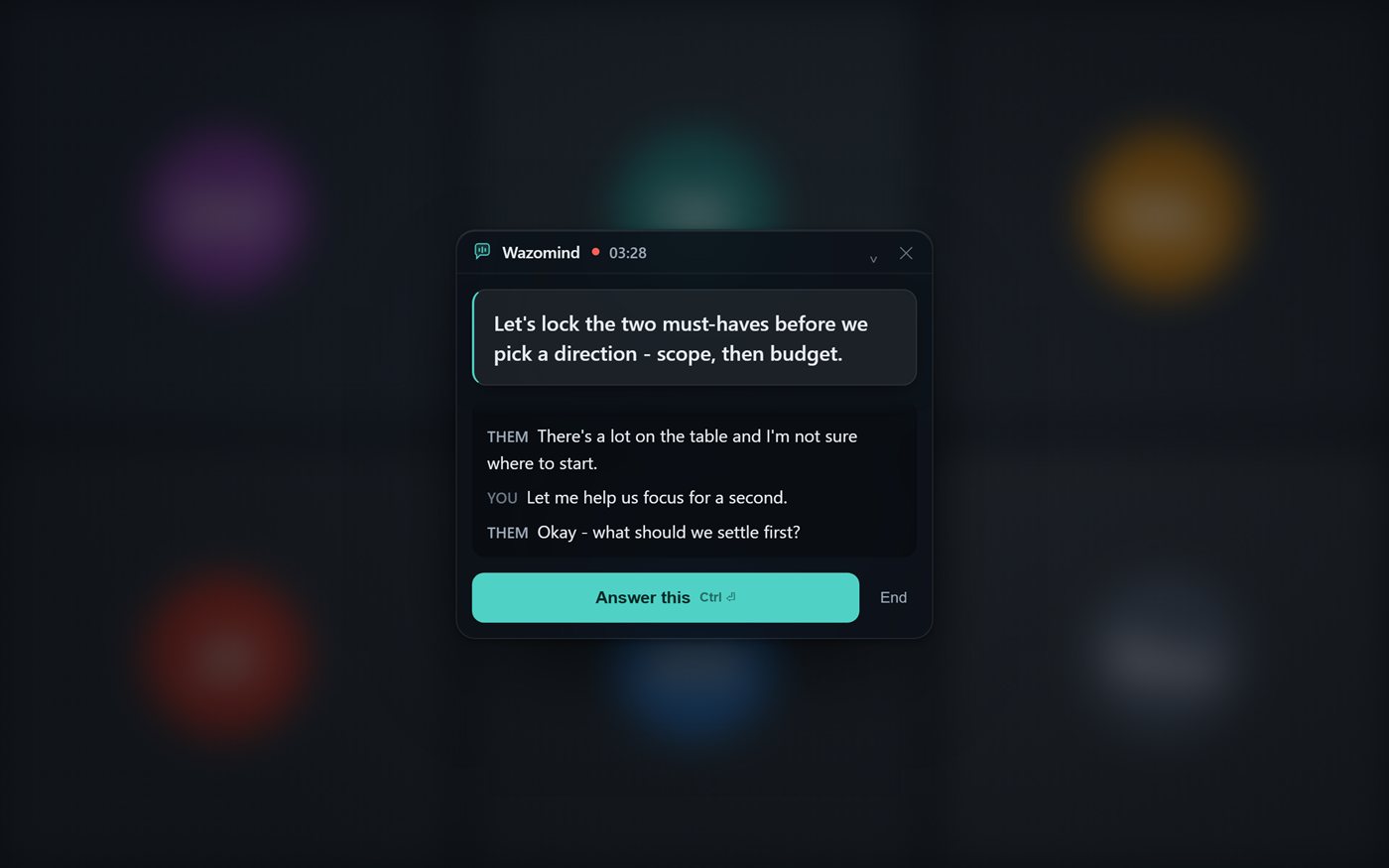
A floating co-pilot right on the page - live transcript, suggested replies, and a full post-call summary for Google Meet, Zoom web, Teams web and any tab. Nothing to install, and no bot joins your call.
Free live transcription, no card. Live answers and full notes run on credits - $3.99 buys 5,000, and they never expire.
➕ Add to Chrome - freeWorks in Chrome and Microsoft Edge. Using Edge? Get it from Edge Add-ons.
- Click Add to Chrome (or Get in Edge), then confirm with Add extension.
- Pin Wazomind from the puzzle-piece menu so it's one click away.
- On any call tab, right-click the page → “🎙 Start Wazomind on this tab” (or press Ctrl+Shift+Y).
Watch the demo
What you get in 15 seconds
Wazomind listens to your call, pops the answer on screen while they are still talking, and writes your notes afterwards. Free to start.
Read the transcript
This tool tells you what to say… during your call. It listens, and the answer pops up on your screen while they're still talking. Then it writes your notes after. It's called Wazomind. Free to start.
The Windows app - the full version
See the Windows app, including stealth mode →
Get it from the Microsoft Store
Signed by Microsoft, installs in one click and updates itself. Prefer the installer? Download wazomind-setup.exe
Free · Windows 10 / 11 (64-bit) · your first call is free, no card.
On Zoom or Teams desktop? Everything the extension does, plus what only a desktop app can:
- Hears the Zoom and Teams desktop apps, not just browser tabs
- Answers from your own documents
- Reads and learns from a shared slide or spreadsheet to help you answer
- Remembers past calls
- Runs fully offline with local models
On another computer right now? Email yourself the link:
We'll send the download plus a 60-second setup guide. No spam, unsubscribe anytime.
📧 Sent - check your inbox. Your download is starting too.
Windows 10 / 11 (64-bit). macOS coming soon - get notified.
On your phone: record meetings in the room
No app store needed. Open wazomind.com/app on your phone, tap Record in person, and put it on the table. You get a live transcript, then notes, action items and a follow-up email when you stop.
- iPhone: in Safari, tap Share, then Add to Home Screen to keep it like an app.
- Android: tap Install the app in the menu (or the browser's Install app).
Free: 3 meetings a month · same account and library as your laptop · audio isn't stored. How it works →