Cluely alternative: Wazomind
Where Cluely is genuinely strong
- A polished, established real-time on-screen assistant
- Broad "answer anything on your screen" scope, beyond just meetings
- A slick desktop experience and strong brand recognition
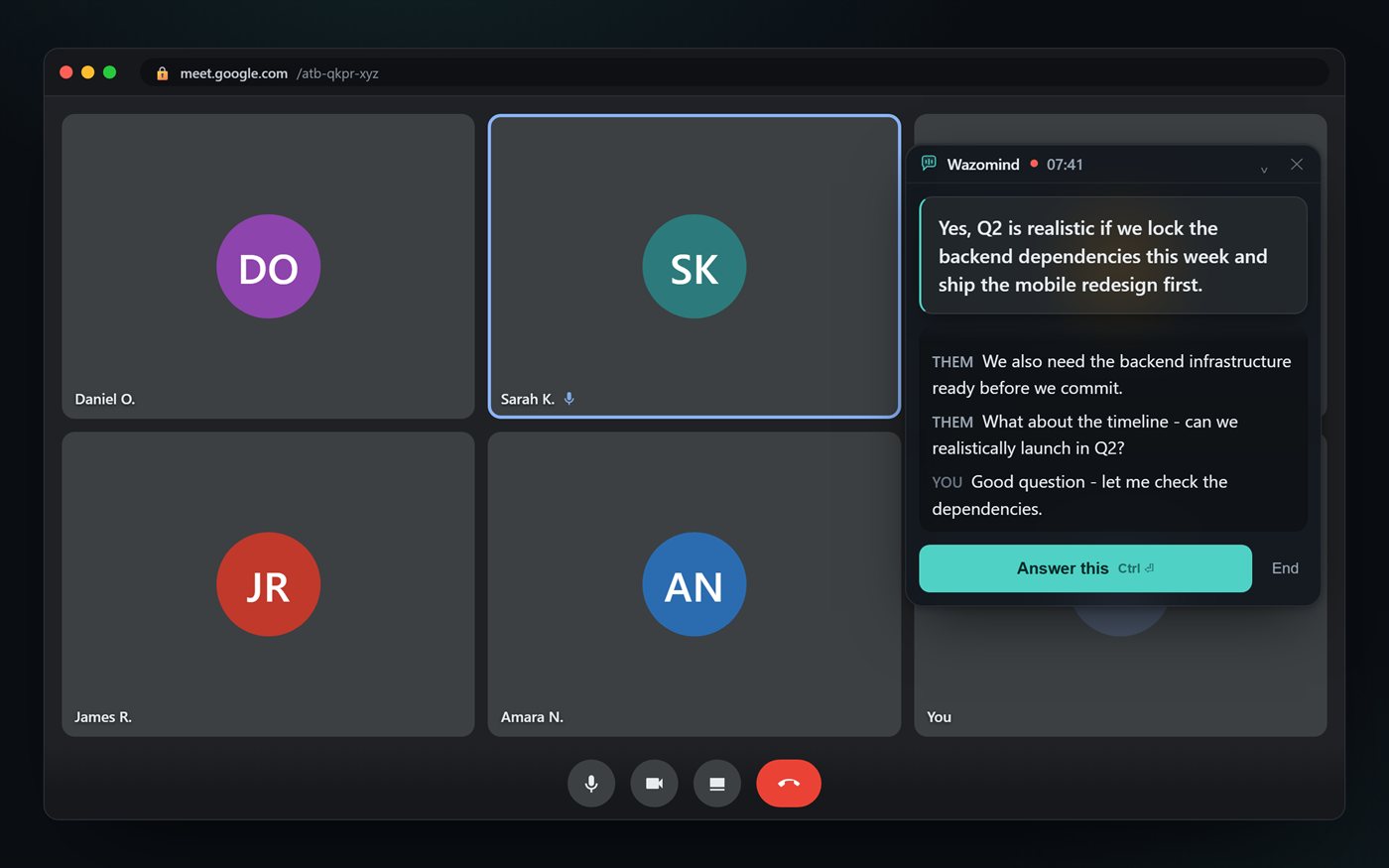
Them: Would the other side know this is running?
Answer · say this
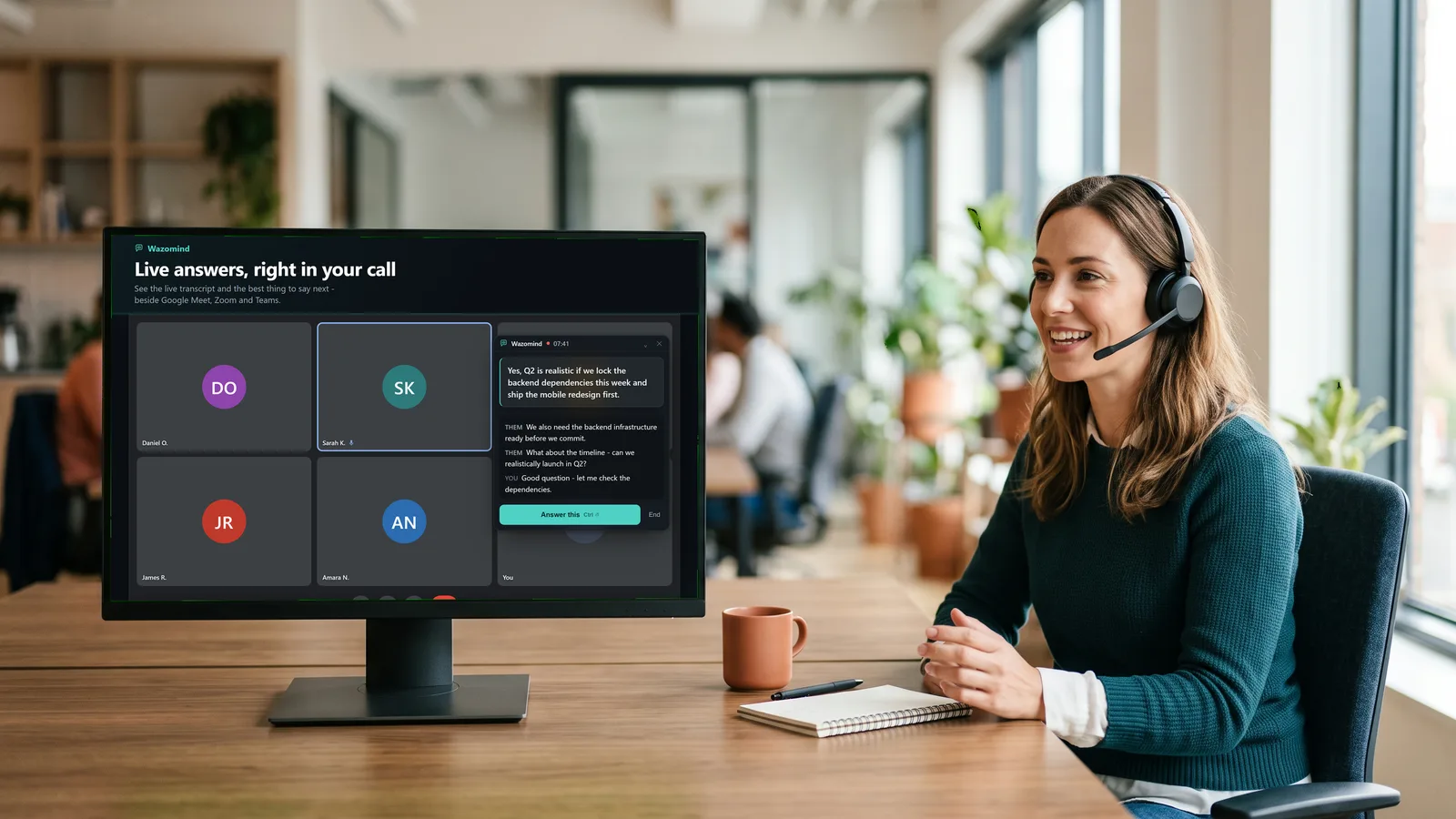
There's nothing in the participant list. Recording is shown on your own screen. In the Windows app, stealth mode keeps your answer overlay out of screen shares and recordings, so only you see it.
grounded in Consent.md · your knowledge base
Cluely vs Wazomind, side by side
| Cluely | Wazomind | |
|---|---|---|
| Live on-screen answers during the call | Yes | Yes |
| Full post-call notes, summary & action items | Limited | Yes - with follow-up email |
| Call lenses (Sales, Interview, Minutes, Board...) | No | Yes |
| Runs as a browser extension | Desktop-first | Yes - Chrome & Edge |
| No bot in the participant list | Yes | Yes |
| Call audio never stored on servers | - | Yes |
| Free tier | Limited | Free to start, Pro $19/mo |
| Free plan | Starter: limited AI, up to 3 files | Unlimited transcription, first call free |
| Paid from | $19.99/mo; $149.99/mo for screen-share hiding | $3.99 one-off - about 125 min, never expires |
Prices and plan limits read from each vendor's own pricing page on 28 October 2026. They change - check before you buy.
Which should you choose?
Choose Cluely if you want its established, broad on-screen assistant that works across any app on your screen.
Choose Wazomind if you want a meeting-focused co-pilot that gives you the answer to say live and writes your full notes, minutes and follow-up email after - installs in the browser in one click, and starts free.
Other Cluely alternatives
Apps similar to Cluely split into two groups. Live assistants help while you talk: Wazomind and Cluely itself. Notetakers help after the call: Otter.ai, Fireflies, Fathom and Granola. If you want both, live answers during the call and full notes after it, Wazomind is the one that does both. See every option in best AI meeting assistants.
FAQ
Is there a free Cluely alternative?
Yes. Wazomind is free to start with no card: live transcription is free and unlimited, and your first call with live answers and full notes is free too, in Chrome, Edge or the Windows app. After that the AI runs on credits - $3.99 for 5,000. Pro is $19 a month.
Is Wazomind a good Cluely alternative?
Yes. Wazomind gives you live, on-screen answers during calls like Cluely, and also writes full meeting notes with action items afterward. It runs as a browser extension or a desktop app, keeps a private overlay, adds no bot, and starts free.
Does Wazomind work in the browser?
Yes. Wazomind installs from the Chrome Web Store and works in Chrome and Edge on Google Meet, Zoom web and Teams web, with a desktop app for the Zoom and Teams desktop apps.
Does Wazomind write meeting notes?
Yes. When the call ends you get a full summary: TL;DR, key points, decisions, action items with owners, and a ready-to-send follow-up email.
Is Wazomind private?
Yes. A private overlay only you can see, no bot in the participant list, and your call audio is never stored, and transcripts are kept only if you save them to your library.
How much does Cluely cost?
Pro is $19.99 a month. Hiding from screen share is a separate tier, Pro + Undetectability, at $149.99 a month. The free Starter tier limits AI responses and notetaking and allows up to three files.
Is there a cheaper Cluely alternative?
Wazomind's AI runs on prepaid credits from $3.99 for about 125 minutes, with free unlimited transcription and a free first call. Nothing renews, and keeping the overlay out of screen shares is part of the Windows app rather than a $149.99 tier.
Does Wazomind hide from screen share like Cluely?
In the Windows app, yes - the overlay can be excluded from screen sharing and recordings. The browser extension's panel is part of the web page, so it would show if you shared that screen. We would rather say that plainly than imply more.
Is it safe to use an AI co-pilot at work?
It depends on the tool. One sold on being undetectable invites a conversation you would rather not have with your employer or your customer. One that adds no bot, injects nothing into anyone else's meeting and keeps notes on your device is a tool you can explain.
What does Wazomind ground its answers in?
Your own documents - pricing, battlecards, playbooks - with the source shown beside the answer, rather than a model confidently inventing a number. That is the difference between a live answer you can say out loud and one you have to check first.
Try the live, no-bot co-pilot
Live answers plus full notes on every call. Free to start, no card.
Get Wazomind free