Granola alternative: Wazomind
Where Granola is genuinely strong
- A beautiful, minimal AI notepad that enhances the notes you type
- Mac-native and fast
- Great for people who still like to jot as they go
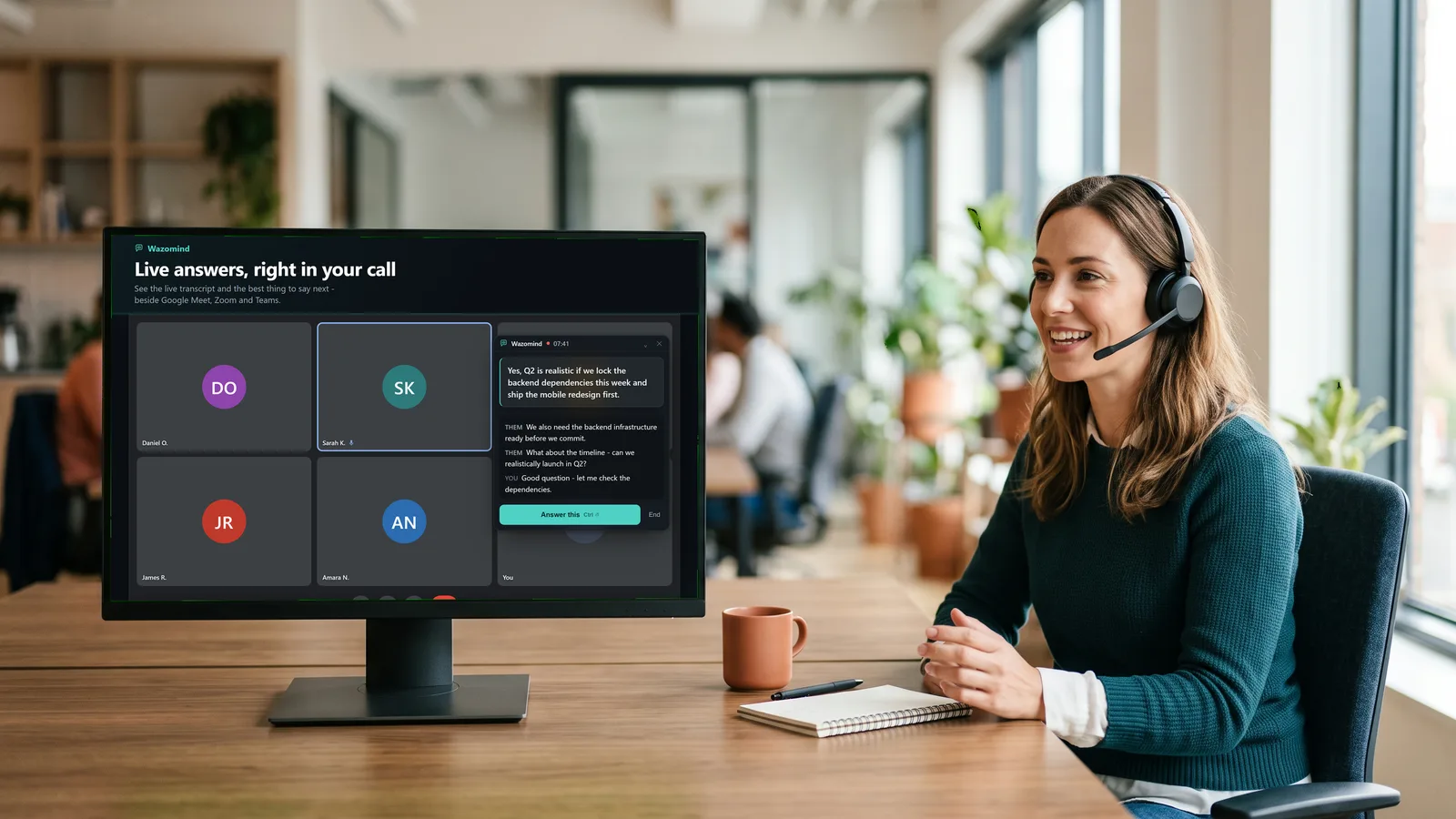
Them: Does this work on Windows?
Answer · say this
Yes — Windows 10 and 11, plus the Chrome extension on any machine. macOS is in development.
grounded in Platforms.md · your knowledge base
Granola vs Wazomind, side by side
| Granola | Wazomind | |
|---|---|---|
| Platform | macOS, Windows, iOS, Android | Chrome & Edge, plus the Windows app |
| Adds a bot to the call | No | No |
| Helps live, during the call | Light | Yes |
| Answers from your own docs | Limited | Yes |
| Offline mode | No | Yes |
| Notes stored | Cloud-backed | Local-first |
| Free plan | Basic: 30-day history window | Unlimited transcription, first call free |
| Paid from | $14/user/month | $3.99 one-off - about 125 min, never expires |
Prices and plan limits read from each vendor's own pricing page on 28 October 2026. They change - check before you buy.
Which should you choose?
Choose Granola if you are on a Mac and want a gorgeous AI notepad that augments your own typed notes.
Choose Wazomind if you are on Windows, want active in-call help grounded in your docs, and an offline option. It helps live, adds no bot, is grounded in your own documents, and keeps your notes on your device.
FAQ
Is Wazomind a good Granola alternative?
Yes, especially on Windows. Both avoid meeting bots, but Wazomind is cross-platform, helps more actively during the call, and adds an offline mode. Granola's note-taking UX on Mac is excellent.
Does Granola use a bot? Does Wazomind?
Neither adds a bot to the call - both listen to audio on your device. That local approach is something they share.
I'm on Windows - can I use Granola?
Granola is macOS-only today, so Wazomind is the natural pick if you are on Windows.
Which is more private?
Wazomind is local-first with an explicit offline mode; both are more private than bot-based cloud notetakers.
Is Granola free?
Granola's Basic plan is free, but it keeps only a 30-day window of your meeting history. Business is $14 a user a month and removes that limit. Enterprise is $35 a user a month.
Does Granola work on Windows?
Yes. Granola's own site lists macOS, Windows, iOS and Android. If you read elsewhere that it is Mac-only, including in older versions of this page, that is out of date.
What does Wazomind do that Granola does not?
Answer during the call. Granola sharpens the notes you are already taking; Wazomind puts the answer to the question just asked on screen, grounded in your own documents, and runs in the browser as well as on the desktop.
Does Granola add a bot to the call?
No. Granola captures device audio without joining the meeting - the same approach Wazomind takes. On this point the two agree, and both differ from Otter, Fireflies and Read.ai.
Which keeps my notes more private?
Both avoid putting a bot in the room. Wazomind goes further on storage: the Windows app keeps notes on your device and has an offline mode in which nothing leaves the machine at all.
Try the live, no-bot co-pilot
See how Wazomind compares on your own calls. Free to start, no card.
Download Wazomind free