Free meeting notes generator
Paste a meeting transcript from Zoom, Teams, Google Meet, Otter or anywhere else. Get a summary, decisions, action items with owners and a ready-to-send follow-up email in seconds. Free, no sign-up.
Up to about 6,000 words. Nothing is saved: the transcript is used once to write your notes.
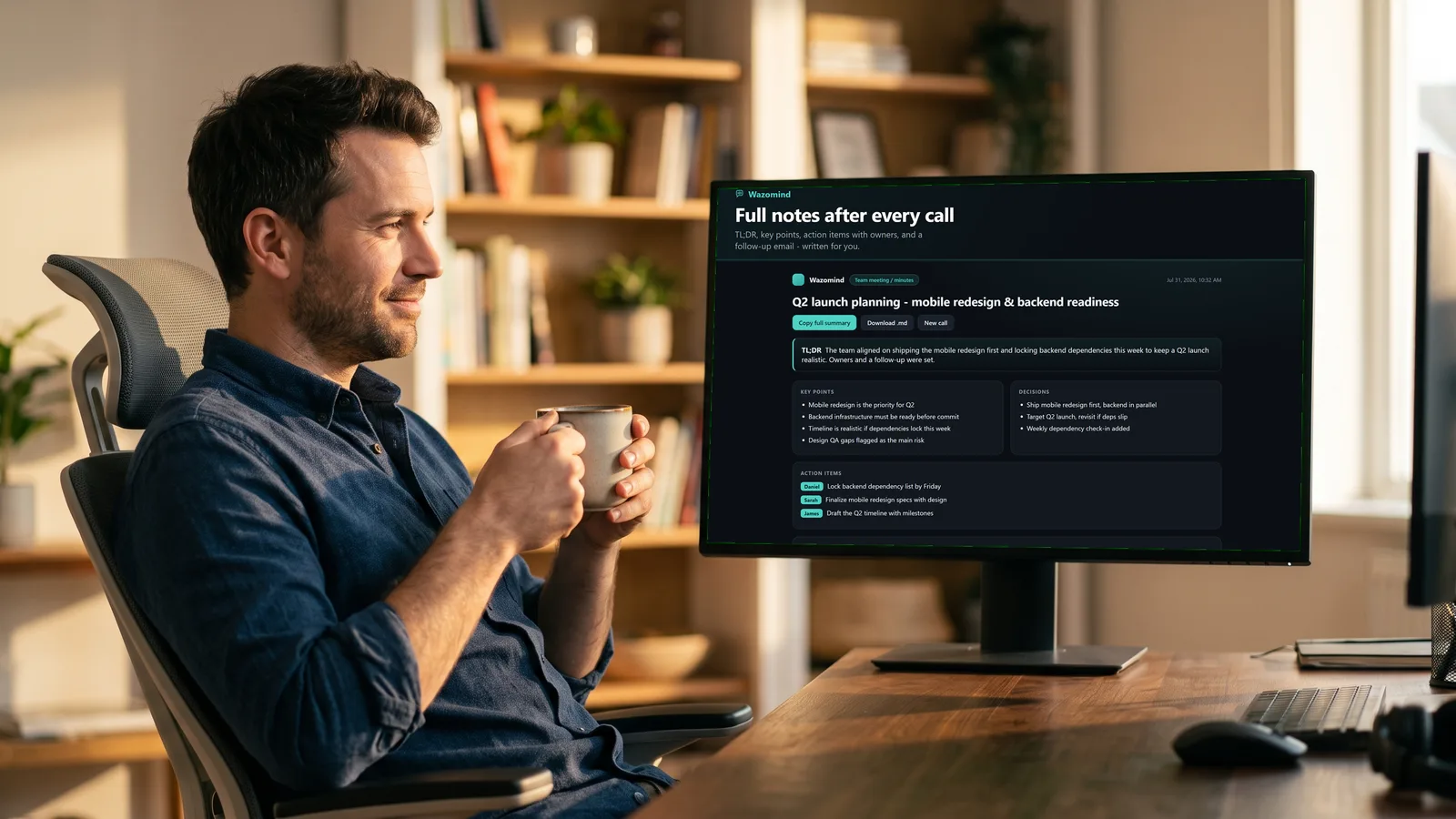
Wazomind writes notes like these the moment a call ends. During the call it also shows the answer to the question you were just asked. No bot joins your meeting.
Add Wazomind to Chrome, freeHow to get a transcript
- Zoom: with cloud recording on, open the recording and download the audio transcript (.vtt). Open it in any text editor and paste.
- Microsoft Teams: after a transcribed meeting, open the meeting chat, then Recap, Transcript, Download.
- Google Meet: with transcripts on (Workspace plans), the transcript lands in the organizer's Google Drive as a Doc.
- Otter, Fireflies, Fathom: open the conversation and export or copy the transcript.
- No transcript? Upload the recording to your free Wazomind library and it transcribes it for you.
What good meeting notes contain
Notes people actually read are short: a few lines on what the meeting was for and what happened, the decisions made, and action items that each have an owner and, ideally, a date. The follow-up email turns those into something you can send before everyone has moved on. See also: how to write meeting minutes.
Questions
Is this meeting notes generator really free?
Yes. No account, no card. It's limited to a few uses per hour per person to keep it free for everyone.
Do you store my transcript?
No. The transcript is sent to our AI once to write your notes and is not saved.
Which formats work?
Any plain-text transcript: Zoom .vtt or .txt, Teams and Google Meet transcripts, Otter and Fireflies exports, or your own typed notes.
Can I get notes automatically instead of pasting?
Yes. The free Wazomind Chrome extension writes notes like these at the end of every Google Meet, Zoom or Teams call in the browser, and gives you live answers during the call.
More free tools: Sales objection handler